It's February 3rd. Valentine's Day is eleven days away. You know — with 100% certainty — that if you don't handle this right now, you will forget. You'll remember at 10 PM on February 13th, panic, and end up sending a text that says "happy valentines day babe" with no punctuation and no card and a vague promise to "make it up to you this weekend."
There's a better way. Build the card now. Schedule it for February 14th at 8 AM. Go back to whatever you were doing. On Valentine's Day, your card arrives automatically, on time, looking like you planned it for weeks.
Because you did plan it. Eleven days ago. Once you'd picked the photos, it took less than a minute.
[VIDEO:7FWQd8r6ASE]
Why Scheduling Changes Everything
Here's the dirty truth about birthdays, anniversaries, and holidays: most of us know they're coming. They're on the calendar. They happen on the same date every year. And yet, somehow, we consistently arrive at these dates unprepared.
It's not because you don't care. It's because life gets in the way of doing things at the right time. You think about your mom's birthday three weeks early, but you're in the middle of something. You think about it again two weeks early, but you're tired. Then suddenly it's the day of, and you're scrambling.
Scheduling a greeting card delivery solves this permanently. The moment you think "oh, Mom's birthday is coming up" — even if it's a month away — you build the card and schedule it. Done. Future you is now a thoughtful, organized person who sends cards on time. Present you spent a few minutes on the couch choosing photos.
How to Schedule a Card on CinematicCard
CinematicCard lets you create and preview your entire card for free and schedule it for a future date. Your first CinematicCard is free; after that, you pay when you confirm.
Step 1: Create Your Card (Anytime)
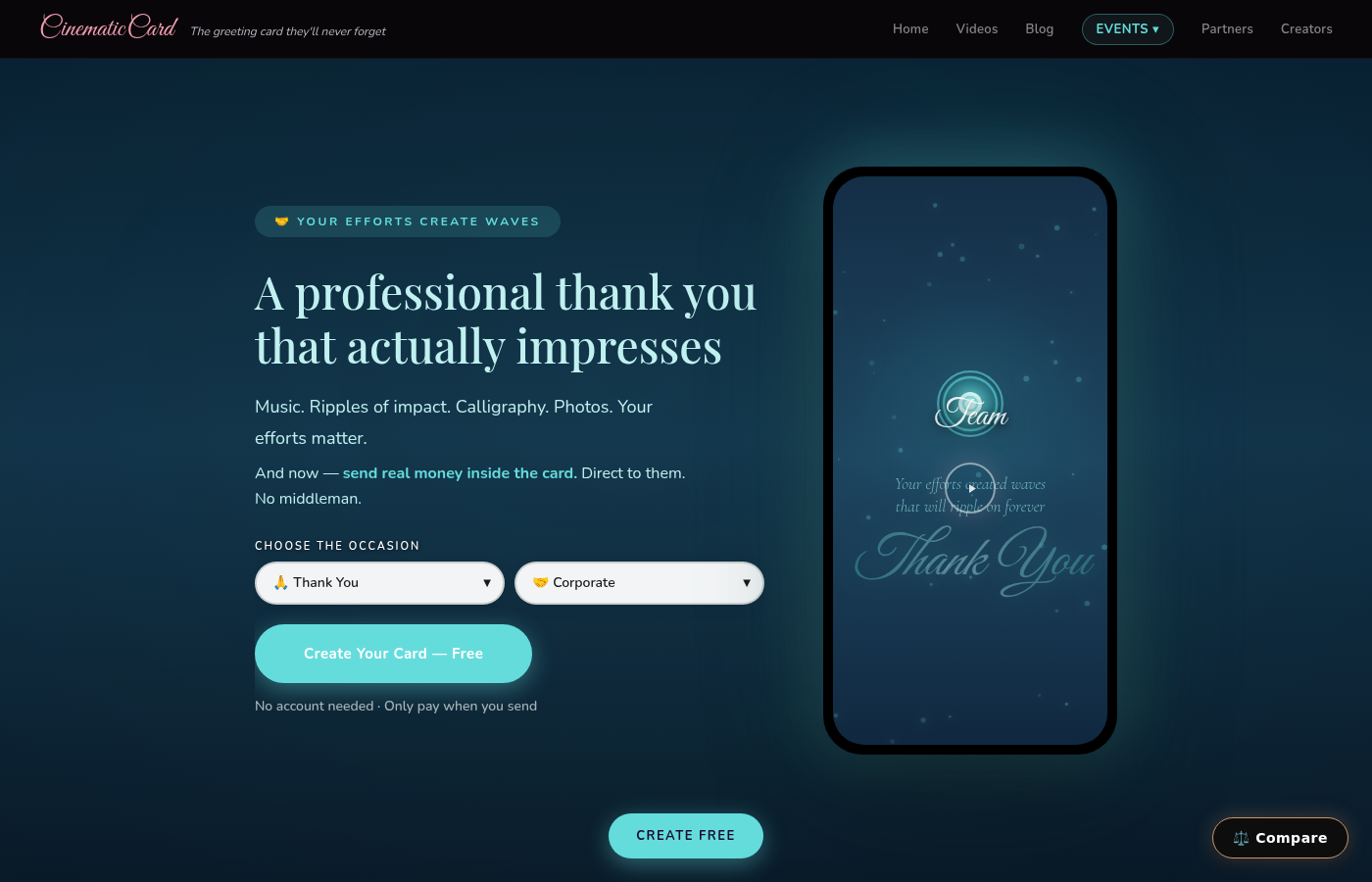
Head to CinematicCard and build your card. Pick the occasion — birthday, anniversary, Valentine's Day, Mother's Day, whatever's coming up. Add their name, write your message, upload photos, pick music.
The key insight: you can do this weeks or months in advance. Build the card when you think of it and schedule it in the same sitting.

Step 2: Choose Your Delivery Date and Time
When you're ready to send, you'll see the option to schedule delivery. Pick the exact date and the exact time. Want your anniversary card to arrive at midnight? Done. Want your mom's birthday card to show up at 7 AM when she's having coffee? Done.
You control the moment they receive it. That level of precision is something you literally cannot do with a physical card. USPS doesn't let you pick the delivery hour.
Step 3: Preview Everything (Still Free)
Watch the full card experience — music, calligraphy, fireworks, message, photos — exactly as they'll see it on the scheduled delivery date. Still free. Still no commitment. Tweak anything that isn't perfect.
Step 4: Confirm and Forget About It
Pay and confirm the schedule. CinematicCard adds $1 to your card's price for scheduled delivery (so a Classic card goes from $3.99 to $4.99). The card sits ready and delivers itself automatically at your chosen date and time.
You can now completely forget about it. You already did the hard part. The platform handles the rest.
Use Cases That Make Scheduling a Superpower
The January Blitz
Sit down one afternoon in January and schedule every card you'll need for the year. Mom's birthday in March. Dad's in June. Your anniversary in April. Your best friend in August. Spend 30 minutes now and become the most reliable, thoughtful person in everyone's life for twelve months.
The "I'm Going to Be Traveling" Save
You know you'll be on a plane on your partner's birthday. Or hiking somewhere with no signal on your sister's anniversary. Schedule the card before you leave. It arrives on time even if you're off the grid.
The Holiday Season Prep
Between Thanksgiving and New Year's, there are approximately one thousand occasions that require cards. Build them all in early November, schedule them for the right dates, and actually enjoy the holidays instead of scrambling to send things on time.
The "I Had the Perfect Idea Right Now" Capture
Ever have a brilliant idea for what to write in someone's card... three weeks before their birthday? You'll forget it by the time the day arrives. With scheduling, build the card when the inspiration strikes and schedule it for later. Your best ideas, captured in the moment, delivered at the right time.
Scheduling vs. Last-Minute: A Comparison
| Scheduled Card | Last-Minute Card | |
|---|---|---|
| Stress level | Zero | Maximum |
| Message quality | Thoughtful, inspired | "Happy birthday! Love you!" |
| Photos included | Your best picks, carefully chosen | Whatever's on your camera roll |
| Music | Their favorite song | Default option |
| Delivery time | Exactly when you want | Whenever you remember |
| How it feels to them | "They really planned this" | "They remembered at least" |
Both columns result in a beautiful cinematic card. But the scheduled version is almost always better because you made it when you had time and mental energy, not when you were panicking.

What About Paperless Post and American Greetings?
Paperless Post lets you schedule delivery, and American Greetings offers scheduling for members. So scheduling isn't unique to CinematicCard.
What's different is what arrives. Those cards start with a design you choose and personalize. A scheduled CinematicCard is a greeting card made from your own memories — your photos, your music or voice, animated calligraphy and your message — that arrives on time.
Scheduling is the delivery mechanism. What matters is what's being delivered.
Pro Tips for Scheduled Cards
Schedule for morning. Most people check their phones first thing. A card that arrives at 7-8 AM starts their special day off right. A card that arrives at 3 PM feels like you almost forgot.
Don't schedule for midnight unless it's someone who stays up late. Nothing's worse than a beautiful card notification getting buried under overnight notifications they clear without reading.
Write the message now, not "later." If you're scheduling for three weeks from now and thinking "I'll edit the message closer to the date" — you won't. Write it now while you're thinking about them. Your in-the-moment words are better than your I'm-supposed-to-write-something-now words.
Set a personal reminder 2 days before to peek at the card one last time. Not because you need to change anything, but because it's reassuring to confirm it's queued and ready.
Use scheduling for same-week delivery too. Even if someone's birthday is in three days, scheduling for 8 AM on the day is better than telling yourself you'll remember to send it manually.
The $1 That Pays for Itself
Scheduling costs $1 extra on CinematicCard. One dollar to guarantee you never forget a birthday, never scramble last-minute, never send a "sorry this is late" message. One dollar to be the person who always shows up on time with something beautiful.
That's not a fee. That's a life hack.
Never Miss Another Moment
The cards you send on time — the ones that arrive first thing in the morning on exactly the right day — those are the ones people remember. Not because they were more expensive or more elaborate, but because they showed up when it mattered.
Build your next card now and schedule it. Future you is going to look incredibly thoughtful.
Start creating for free — schedule delivery for the perfect moment.