Building a greeting card platform sounds simple until you dive into the technical reality. It's tempting to think you can just slap some CSS animations on a webpage and call it a day. In practice, creating smooth, cinematic animation experiences requires an entirely different approach.
Here's how we built a canvas animation engine that turns greeting cards into short films -- and why most card platforms take a simpler approach.
The truth is, most digital greeting card platforms avoid complex animations for good reason. They're hard to build, harder to optimize, and even harder to make work consistently across devices. But that's exactly what makes them special when you get them right.
Why Canvas Instead of CSS Animations?
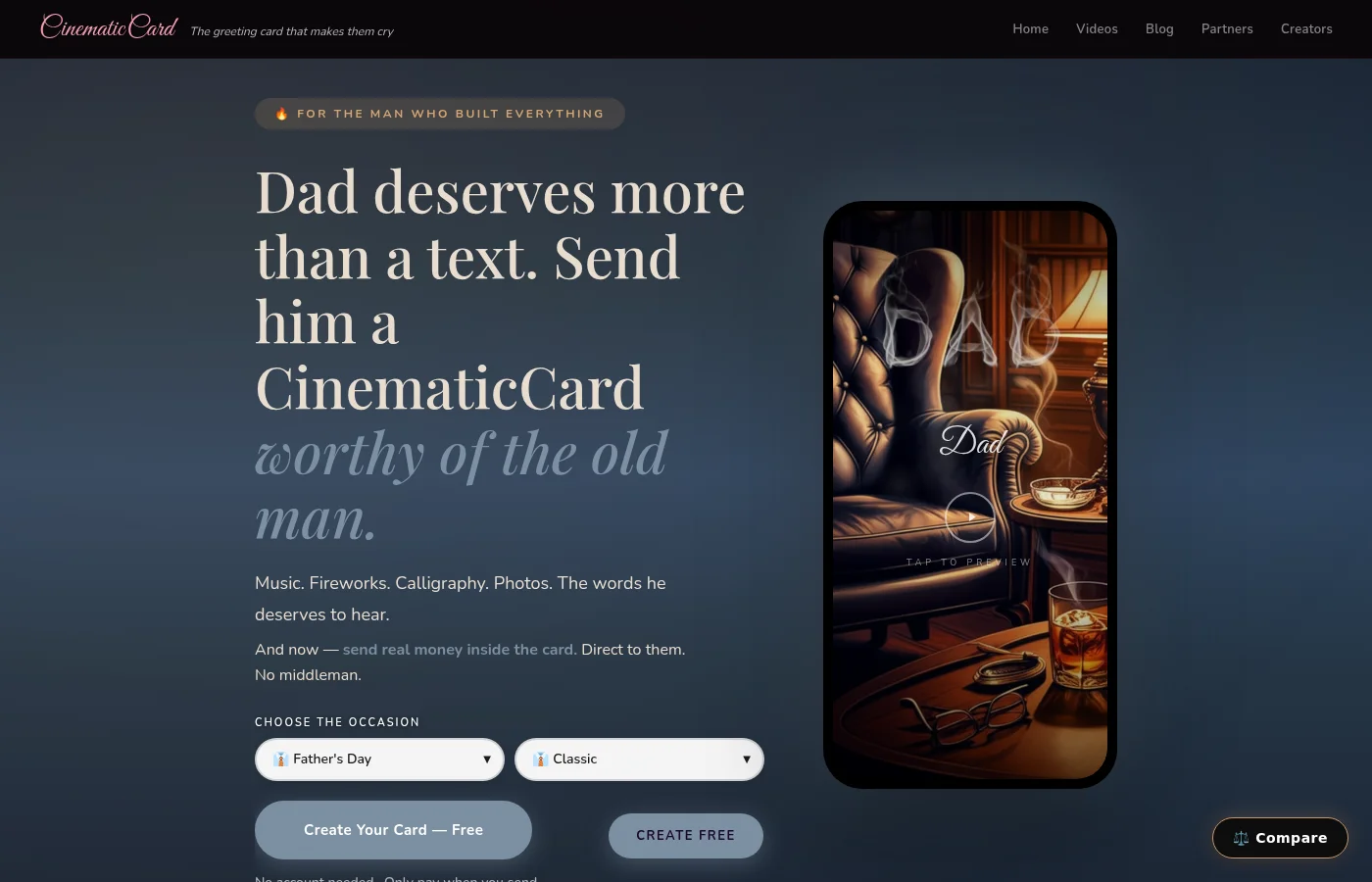
CinematicCard uses HTML5 canvas animation rather than CSS transitions, and the difference is everything. CSS animations work great for simple transitions -- a button changing color, a div sliding across the screen. But when you need cigar smoke that rises and drifts through an entire frame, or champagne bubbles that rise from two glasses simultaneously, or fireworks that explode in random patterns, CSS hits its limits fast.
Canvas gives us pixel-level control. Every particle, every sparkle, every piece of confetti is individually rendered and animated. When you open our Father's Day theme, that cigar smoke isn't a pre-made GIF -- it's hundreds of individual smoke particles being generated, animated upward, and fading out in real time.
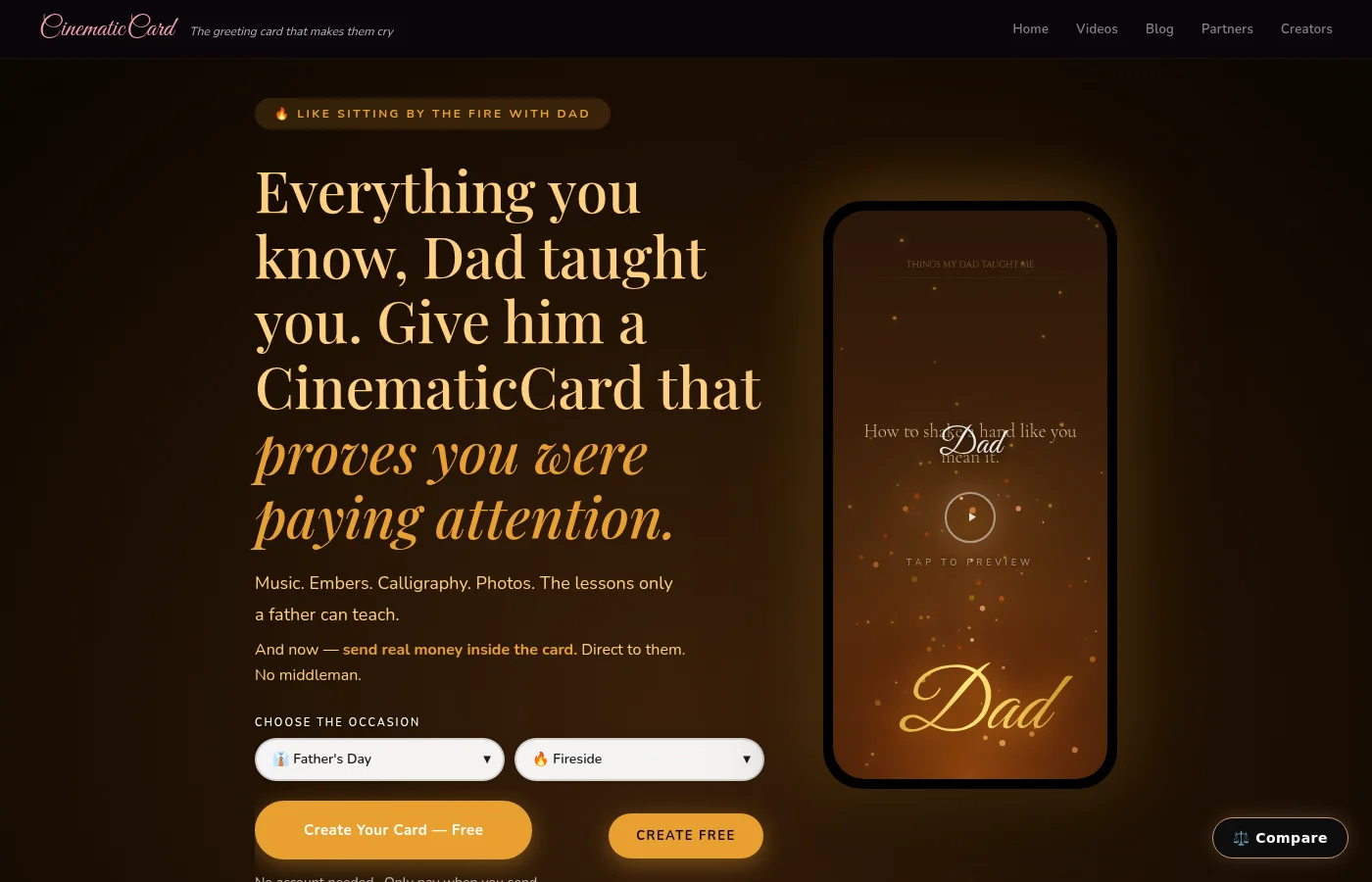
The trade-off is complexity. CSS animations run on the GPU automatically. Canvas animations require careful optimization to avoid janky framerates, especially on mobile devices. But the payoff is animation quality we couldn't get any other way.
Building the Particle Systems
The heart of our canvas animation engine is the particle system. Every visual effect -- fireworks, falling petals, rising bubbles, drifting snow -- is built on the same underlying particle engine with different parameters.
Each particle has properties: position, velocity, acceleration, life span, size, opacity, color. The engine updates every particle's position 60 times per second, applies physics (gravity for confetti, buoyancy for bubbles), and removes particles when they expire.
The fireworks system is the most complex. When a firework explodes, we spawn 30-50 particles in random directions with realistic physics. Each particle trails smaller sparkle particles behind it. The explosion creates a burst of light that fades over time. Layer all of that on top of the background scene, sync it with the music, and you get something that feels cinematic rather than gimmicky.

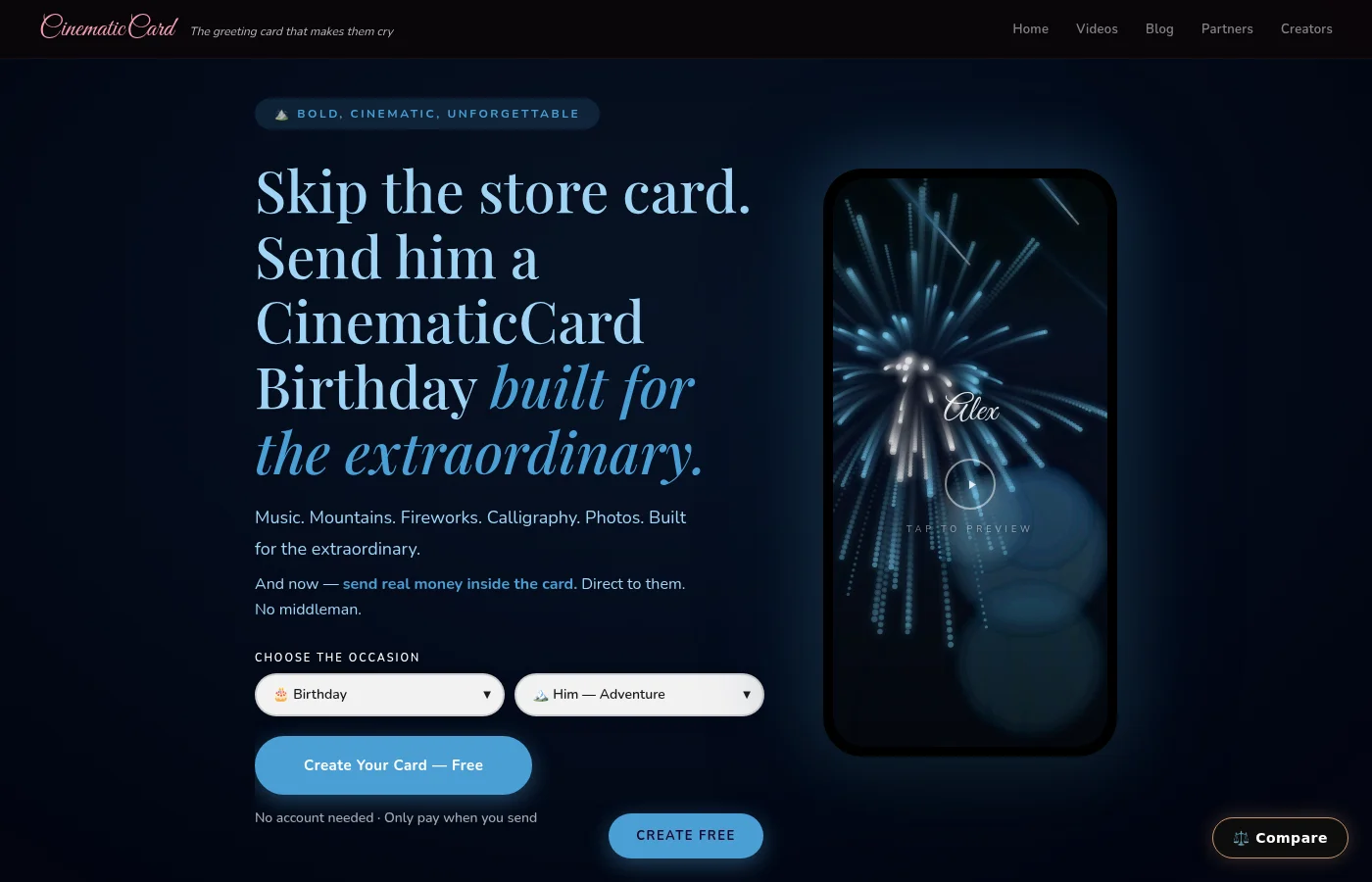
The birthday themes showcase this best. Our "Birthday For Him" theme fires multiple fireworks in sequence, each with different colors and explosion patterns. The particles interact with the scene lighting, casting subtle glows on the background elements. It's not just animation -- it's atmosphere.
Performance Optimization for Mobile Devices
Here's where most canvas animation projects fall apart: mobile performance. Desktop browsers can handle thousands of particles without breaking a sweat. Mobile Safari with a three-year-old iPhone? That's a different story.
We built a dynamic performance scaling system. The engine monitors frame rate in real time and adjusts particle counts accordingly. If the frame rate drops below 45fps, we reduce new particle spawns by 25%. If it drops below 30fps, we cut particle counts in half and simplify the physics calculations.
The user never sees a performance options menu. They never have to choose between "quality" and "performance." The card automatically looks as good as their device can handle, and it always feels smooth.
We also pre-load and optimize every asset. Background images are compressed but not pixelated. Audio files are encoded at exactly the bitrate needed for emotional impact without bloat. The entire card -- visuals, music, animations -- loads in under 3 seconds on a typical mobile connection.
Real-Time Calligraphy Rendering
The name calligraphy feature was one of our biggest technical challenges. When someone opens their card, they see their name being written in beautiful script, stroke by stroke, as if an invisible hand is writing it live.
This isn't a font. It's vector path animation. Each letter is a series of bezier curves that get drawn progressively over time. We had to map the stroke order for hundreds of letters and create smooth transitions between them. The timing has to feel natural -- not robotic, not rushed.
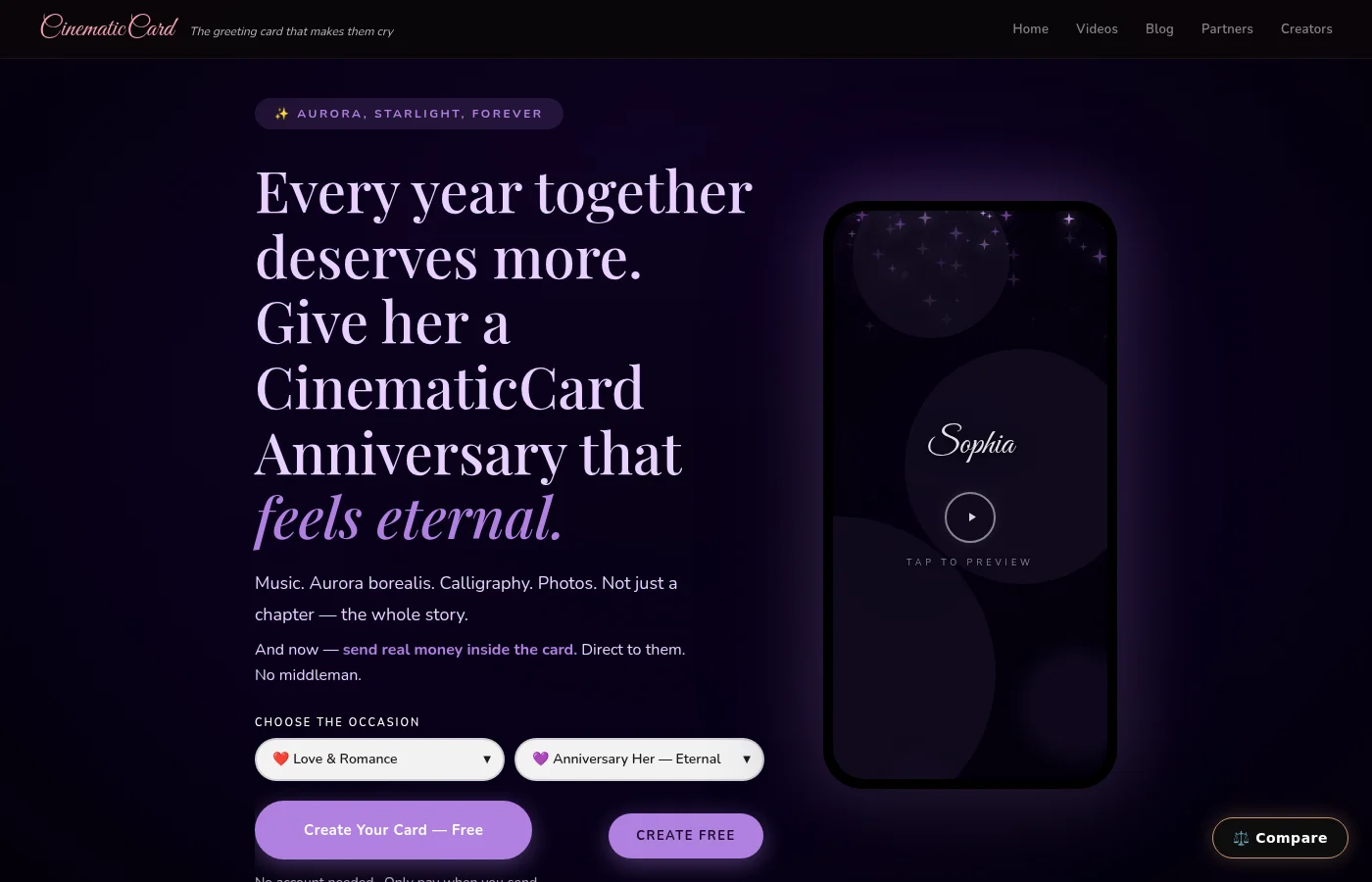
Their name appears differently every time based on the letter combinations. "Sarah" has flowing connections between letters. "Mike" has bold, separated strokes. The engine analyzes the name and adjusts stroke timing, letter spacing, and connection flows automatically.
Why Most Card Platforms Take a Different Approach
Building a canvas animation engine for greeting cards is genuinely difficult. Most card platforms focus on templates, printing, and subscription models because those are proven business strategies with predictable technical requirements.
A card that starts with a well-designed image and your message works reliably across every device and browser, loads fast, and is simple to serve. From a business perspective, it's a smart choice -- and those cards can be lovely.

We wanted something different: a greeting card made from your own memories that plays like a short film, the kind people stop what they're doing to watch -- and then watch again.
The Multi-Layer Animation Architecture
Our animation engine runs on multiple layers, like a video editing timeline. The background scene renders on one layer -- the bedroom with silk sheets, the dad's study with the leather chair, the nursery with the crib mobile. Environmental effects render on another layer -- the fireplace glow, the candlelight flicker, the moonlight streaming through windows.
Particle effects render on top of that -- the rose petals, the fireworks, the floating bubbles. The calligraphy layer renders above everything else so the text is never obscured by particle effects.
Each layer can be toggled independently for performance optimization. On slower devices, we might disable the environmental lighting effects but keep the particles. The card still feels cinematic, but the frame rate stays smooth.
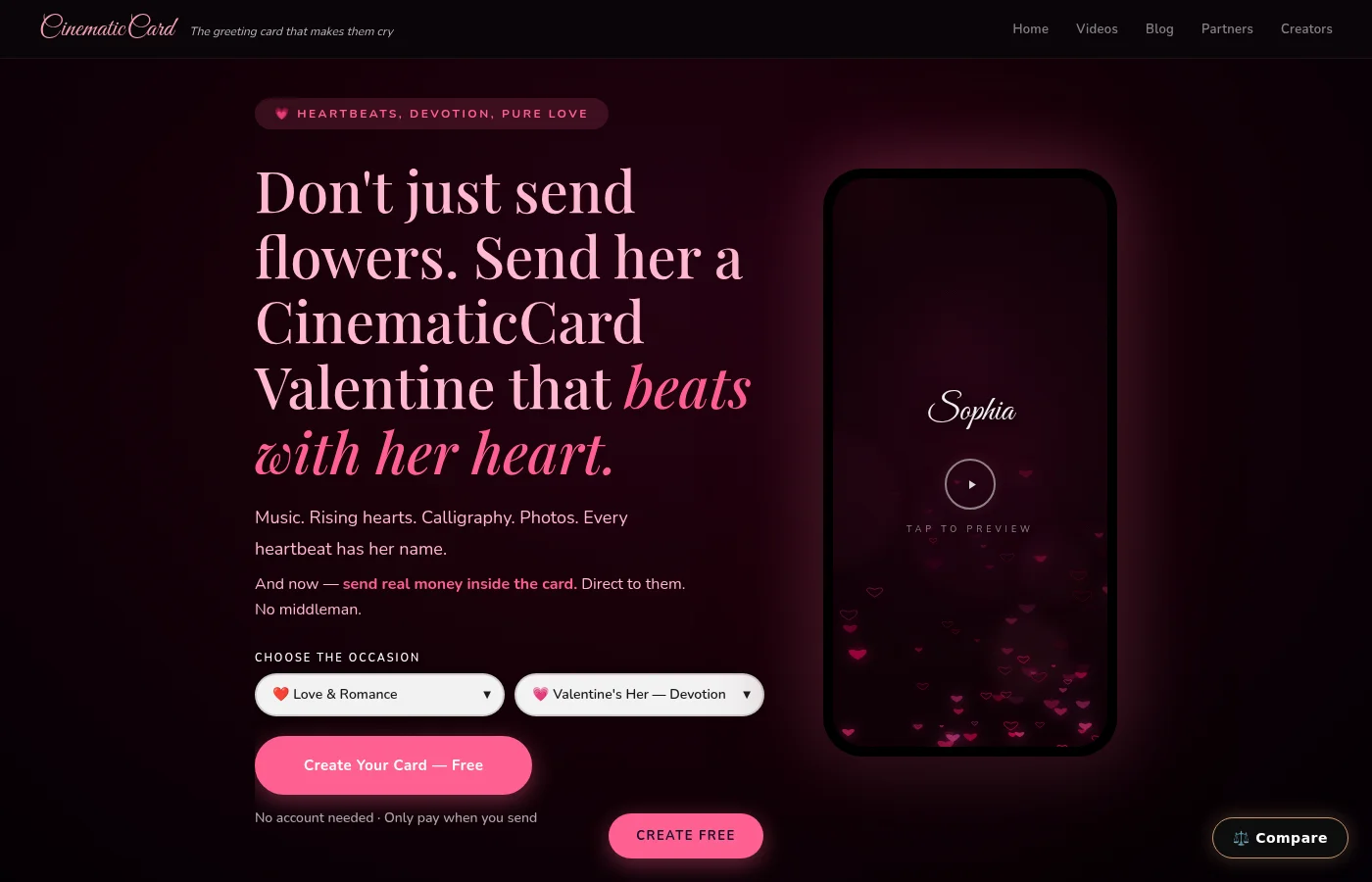
Our Valentine's theme demonstrates this layering perfectly. The silk sheets provide the base scene. Candlelight creates warm, flickering illumination across the entire frame. Rose petals drift down from the top of the screen. Sparkle particles twinkle randomly. Their name writes across everything in flowing script. Five animation layers working together to create one cohesive experience.
Audio Synchronization and Timing
The animations aren't just pretty -- they're choreographed to the music. The fireworks burst on musical beats. The calligraphy writing speed matches the emotional intensity of the song. Particle effects crescendo with the audio.
We built a timing system that maps animation events to musical phrases. When the piano melody swells, the particle density increases. When there's a pause in the music, the animations hold for a beat before continuing. It's subtle, but it makes the entire experience feel intentional rather than random.
This is especially important for the custom audio upload feature in our Premium and Signature tiers. When someone uploads their own voice recording or a meaningful song (WAV, MP3 or MP4), it becomes the card's soundtrack, playing alongside the theme's animation and the photos they chose.
Is a Canvas Animation Engine Overkill for Greeting Cards?
Honestly? Probably. We could build a successful card platform with CSS transitions and stock animations. Plenty of successful card platforms take a simpler approach.
But a card someone wants to watch twice, share with someone else, and save to watch again later is exactly what the technical complexity is for.
Once you've chosen your photos, creating a CinematicCard takes less than a minute. The person opening it experiences something that feels like it was made just for them. The technology disappears, and what's left is pure emotion delivered through a web browser.
Your first card is completely free to create and send. No credit card required, no subscription, no catch. Build it, preview the full cinematic experience, and if you love what you see, lock it in with just your email address.
Try building one at CinematicCard.com and see the canvas animation engine in action. Fair warning: you might find yourself previewing your own card multiple times just to watch those fireworks again.