CinematicCard vs Canva for Greeting Cards — Which Should You Use?
Should you use Canva or CinematicCard to make a greeting card? It's an understandable question — both show up when you search for digital cards. But they're fundamentally different tools solving different problems.
Canva is a design platform. A CinematicCard is a greeting card made from your own memories. That distinction changes everything.
[VIDEO:7FWQd8r6ASE]
What Canva Actually Gives You
Canva is a graphic design platform. People use it for social media posts, presentations, flyers, business cards, and yes, greeting card designs.
Here's the general shape of making a greeting card with a design tool:
- You pick a card template or start from a blank canvas
- You design it — choose text, colors, photos and layout
- You finish the design in the format you want
- You decide how to get it to the person you're making it for
That's the real difference in approach. A design tool is built around designing: you are the designer, and the result is whatever you lay out. A CinematicCard is built around the moment someone opens it, and it starts with your memories rather than a blank layout.
Neither is wrong. They're simply answering different questions: "How do I design a card?" versus "How do I turn the moments we share into a card they'll feel?"
What CinematicCard Gives You
CinematicCard skips the design phase entirely and starts with your memories. You choose up to 20 moments from the photos on your phone, pick a theme, write your message, add music or your own voice (an uploaded recording), and optionally a cash gift. The hardest part is choosing the memories — once you have, creating the card takes less than a minute, and you have a link to share.

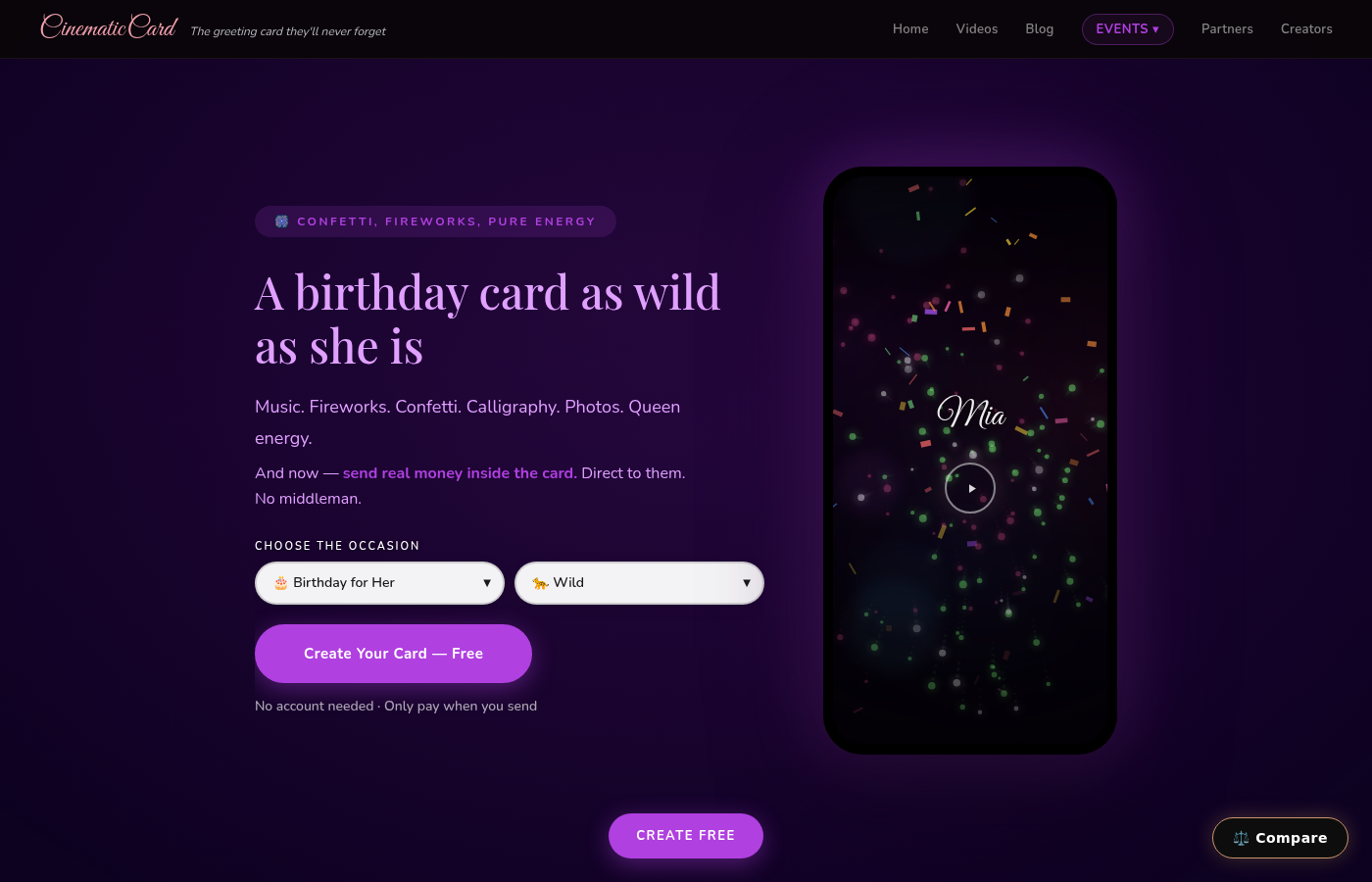
When they open that link, the card plays like a short cinematic film. Music plays automatically. Their name writes itself in calligraphy. Effects fill the screen. Your message reveals word by word, timed to the music. Photos play as a cinematic slideshow. It's an experience — not a file attachment.
How CinematicCard Compares
Other services’ details are from their own websites and help centers, checked September 2026. — means not covered in the sources we checked. Prices can change.
| Feature | CinematicCard Free, then $3.99 |
Hallmark | Paperless Post | American Greetings | Moonpig |
|---|---|---|---|---|---|
| Where the card starts The core idea |
Your own memories: photos, music or voice, message | A Hallmark design you personalize with photos and a message | A Card or Flyer design from its collection, or one you upload | An ecard, SmashUp or Creatacard design | A printed card design you personalize |
| Pricing As listed by each service |
First card free, then from $3.99 per card | 1 free eCard a month with Crown Rewards; Hallmark+ $8.99/mo or $79.99/yr plus tax | Free designs for up to 50 people; paid designs 2–8 Coins per person | $7.99/mo, $35.99/yr or $49.99/2 yrs; limited free ecards | Per card plus delivery; eCards 0.99 in local currency |
| Subscription Recurring plan |
No | Optional (Hallmark+) | Optional annual Pro subscription | Membership, with a 7-day free trial | Optional Moonpig Plus (UK) |
| Account To send |
Not needed | Join Crown Rewards or sign in to send eCards | — | — | Registration required |
| Your photos In the card |
Up to 20, played as a cinematic slideshow | Upload photos to an eCard design; photo spaces on printed cards | Upload your own design image; video section (paid) | Up to six photos (or one video) in a Creatacard | Photo upload, including multi-photo designs |
| Sound Music or voice |
Built-in soundtrack, or your own audio (WAV, MP3 or MP4) | Not described in the help articles we checked | Optional video block with sound (paid) | Ecards with motion and sound; music or a custom song in Creatacard | Free video or audio message via a QR code (up to 6 months) |
| Cash gift Inside the card |
Optional on Signature (Venmo, PayPal, Cash App) | Hallmark + Venmo greeting cards program | — | — | — |
| Delivery How it reaches them |
Link (text or any messaging app) or email, now or scheduled | eCards by email; printed cards mailed to US addresses | Email, text (US/Canada) or link; scheduling | Email, text (US/Canada), link or Facebook; scheduling for members | By mail (US about 1–5 working days); eCards by email |
| Event invitations + RSVPs For a group |
Separate event invitations with RSVPs | — | Invitations with RSVP, delivery and open tracking | — | — |
Where Canva Wins
Full creative control over design. If you're a designer (or aspiring one) who wants to control every pixel — fonts, colors, layout, illustration placement — Canva gives you that control. CinematicCard offers theme customization, but you're working within the cinematic framework rather than designing from scratch.
Print. If you want to print a physical card, a design platform is the natural place to start. CinematicCard is digital-only (though honestly, that's the point).
Multi-purpose tool. You may already use Canva for other things. Making a quick card design in a tool you already know has a convenience factor.
A simple design may be all you need. If a single designed image is genuinely what you want to send, a design tool is a sensible choice — check Canva's site for its current plans.
Where CinematicCard Wins
The moment they open it. A CinematicCard arrives as a link that opens into a short cinematic film made from your photos, with music, calligraphy, effects, and a personal message that reveals word by word. It feels like someone made something for you.
No design skills required. This matters more than people admit. With any design tool, you're the one making typography decisions, color choices and layout adjustments. CinematicCard's themes are designed to look cinematic regardless of what you type — every combination works.
Less than a minute, once you've chosen your memories. For a birthday card, the real work is picking the photos that bring your moments back. After that: choose a theme, type a name, write your message, pick music. Done. With a design tool, the time depends on how much you want to design.

Built-in delivery. CinematicCard gives you a shareable link. Text it, email it, DM it — they tap the link and the cinematic experience starts immediately. No file to download. No app to open. No quality loss from compression.
Photos as a cinematic slideshow. In a design layout, your photos sit where you place them. CinematicCard takes up to 20 photos and turns them into an animated slideshow with transitions timed to music. For a graduation card with photos from kindergarten through college, the slideshow hits differently than a collage.
Your voice. Record a voice message on your phone and upload it as the card audio (WAV, MP3 or MP4). Your actual voice plays while the calligraphy writes and the effects play.
Cash gift integration. A CinematicCard Signature card includes an optional cash gift reveal — Venmo, PayPal, or Cash App with an animated reveal moment.
Schedule delivery. Set the exact date and time your card arrives. Send it at midnight on their birthday. Schedule it a week in advance and forget about it.
Who Should Use Which?
Use Canva if:
- You're a designer who wants full creative control
- You need a printable physical card
- You're making cards as part of a larger design project
- A single designed image truly meets your needs
Use CinematicCard if:
- You want the card to start with your own memories
- You want music, animation, and photos in the card
- You want it done in less than a minute once your photos are chosen
- You don't have (or want to use) design skills
- You want to include a cash gift
- You want to include a recording of your voice
- You want built-in delivery with a shareable link
The Bottom Line
Canva and CinematicCard aren't really competitors — they're different categories. Canva helps you design a card. CinematicCard helps you send an experience. The question isn't which is better. The question is what you're actually trying to do.
If the answer is "I want the person I care about to feel something when they open this," CinematicCard is the answer. Your first card is free, and previewing is always free.