A greeting card is one of the simplest ways to tell someone you're thinking of them. But paper cards, envelopes and postage add up, especially if you love celebrating every occasion. That's where free digital greeting cards come in.
This guide covers what free digital greeting cards are, where to find them, how to make one feel personal rather than generic, and how to send it, so you can mark the moments that matter without spending much, or anything.
What Exactly Are Free Digital Greeting Cards?
Digital greeting cards, also known as ecards or electronic greeting cards, are the online version of a paper card. Instead of being printed and mailed, they're created on a website or app and delivered electronically, usually by email, text message, a messaging app or a shareable link.
"Free" means you can create and send the card without paying. Some sites are free because they're supported by advertising; others offer a free collection alongside paid designs, memberships or add-ons. It's worth checking what's included before you start.
Types of Free Digital Greeting Cards
Free digital greeting cards come in several formats:
- Static cards: A single designed image with your text. Quick to make and they open on almost any device.
- Animated cards: Designs with movement, from simple animated text to fully animated scenes.
- Photo cards: Cards built around one or more of your own photos.
- Cards with music: A soundtrack that plays when the card opens, either chosen by the site or by you.
- Slideshow cards: Several of your photos played in sequence, often with music, which works well when you want to share a set of memories.
Why Free Digital Greeting Cards Matter
In a world full of quick texts and reactions, a card still stands out. Here's why free digital greeting cards are worth using:
- Cost-effective: No paper cards, envelopes or postage to buy.
- Convenient: You can make and send one from your phone, anywhere, at any time.
- Less paper: Nothing to print, mail or throw away.
- Personal: Many platforms let you add your own photos and words, so the card can reflect your relationship with the recipient. A personal message goes a long way in thank you cards, for example.
- Instant or on time: Digital cards arrive immediately, and some platforms let you schedule them, which is ideal for last-minute occasions or people far away.
- Every occasion: Birthdays, holidays, thank-yous, congratulations and sympathy are all covered.
How to Find and Create Free Digital Greeting Cards: A Step-by-Step Guide
Here's the practical process, from choosing a platform to hitting send.
1. Identify Your Needs and Occasion
Before you start searching, think about the person and the moment. What do you want them to feel? Is there a memory you share with them that fits the occasion? Knowing this narrows your search quickly. If you're making something for a young family member, for example, browse cards for a nephew or cards for a niece for ideas.
2. Explore Free Online Platforms
Several websites and apps offer free digital greeting cards and card-making tools. Popular options include:
- Canva: A design platform with greeting card templates.
- Adobe Express: A design tool with card templates for many occasions.
- Greetings Island: A site with templates for cards and invitations.
- Punchbowl: Free eCards plus paid memberships; you can add a photo on designs labeled "Add Your Own Photo" and send by email or text.
- JibJab: Funny animated Ecards where faces cut out from your photos are placed into the animation. A limited set is free; the rest need a Premium membership.
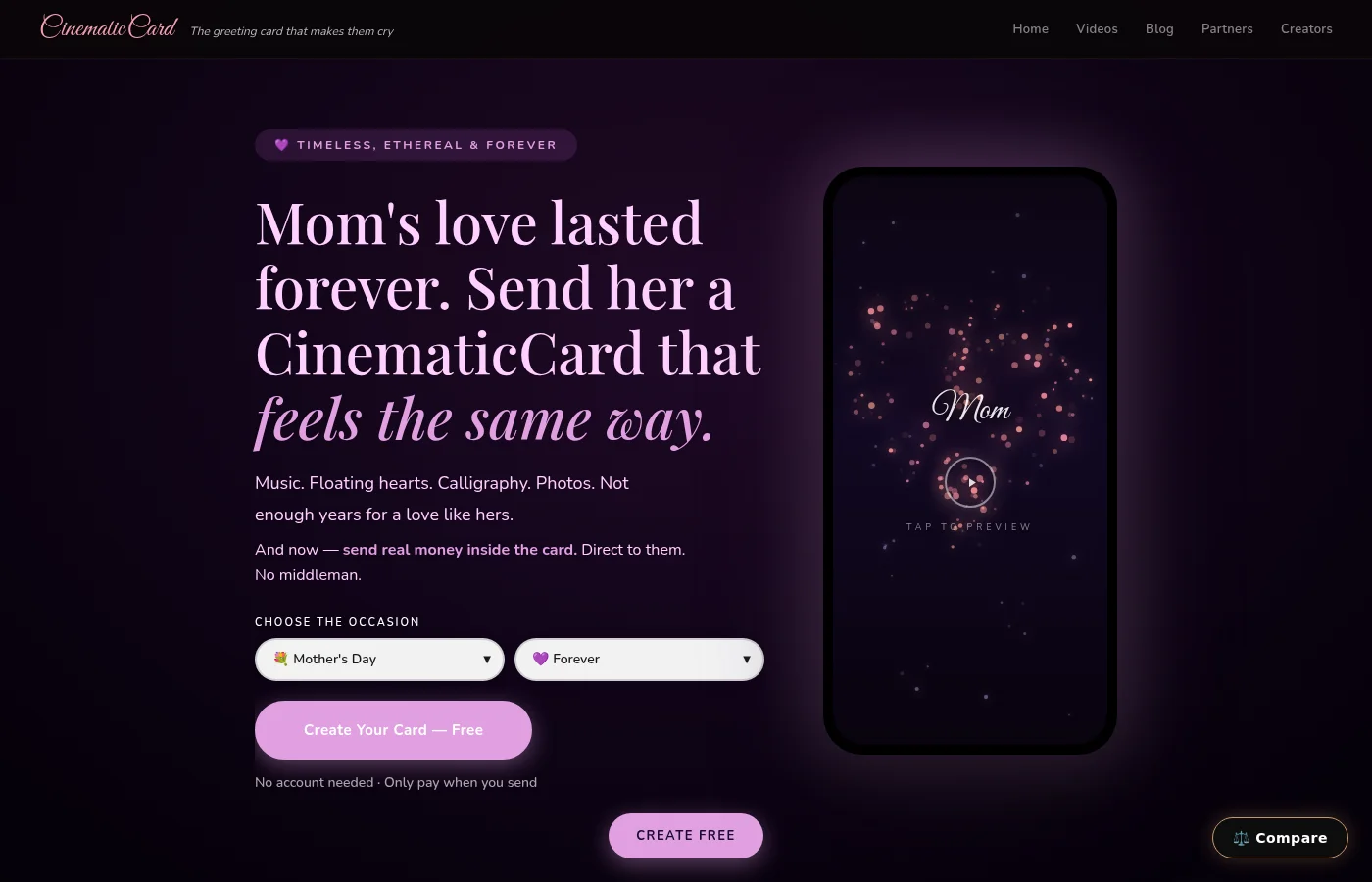
- CinematicCard: A greeting card made from your own memories: up to 20 photos from your phone, music and your message, played as a cinematic slideshow. Your first card is free, the complete card, sent, with no credit card needed.
3. Choose a Template or Start With Your Memories
Most platforms start you with a design. Browse the options, or start from a blank canvas if you enjoy designing. Another way to begin is with what the card is really about: open your phone's photos and find the ones that bring back a moment you shared with this person. Then choose a design or theme that suits those memories.
4. Customize Your Card
This is where the card becomes yours. Common options include:
- Adding text: Write a message to the recipient that mentions something specific, like a moment, a habit or an inside joke.
- Adding photos: A photo of you together, or of a day you both remember, says more than stock artwork.
- Changing colors and fonts: Match the tone of the occasion and the person.
- Adding graphics and stickers: Many design tools include free graphics.
- Adding music: Some platforms let you add a soundtrack. The most meaningful choice is often a song tied to a memory you share.
5. Preview and Save Your Card
Before you send, preview the whole card. Check for typos, make sure the photos look right, and watch or read it once as if you were the recipient. On CinematicCard, previewing is always free, so you can see the full card before deciding to send.
6. Send Your Card
Most platforms offer several ways to deliver your card:
- Email: Sent directly to the recipient's inbox, sometimes on a scheduled date.
- Text or messaging apps: Share a link by text, WhatsApp, Messenger or any other app.
- Social media: Post or share the card where your friends and family will see it.
- Direct link: Copy a link to the card and send it however you like.
Tips for Creating the Perfect Free Digital Greeting Card
A memorable digital greeting card is about more than picking a template. Here's how to make yours stand out:
- Start with a memory: Generic cards are easily forgotten. Think of a specific moment you shared, then build the card around it with photos and a few lines about why it matters.
- Don't skip the everyday photos: People tend to underestimate how much they'll enjoy rediscovering ordinary moments later; research on rediscovery found this was especially true for everyday experiences rather than extraordinary ones (Zhang et al., Psychological Science, 2014). The casual photo from an ordinary afternoon can mean more than the posed one.
- Choose clear images: Well-lit, reasonably sharp photos look best, but a meaningful photo beats a perfect one.
- Keep the message focused: A few honest, specific sentences usually land better than long paragraphs.
- Consider the recipient's personality: Funny for the friend who loves to laugh; heartfelt for the person who keeps every card.
- Proofread carefully: Double-check names, dates and spelling before you send.
- Time your delivery: A birthday card should arrive on the birthday. Scheduling helps if you're planning ahead.
- Use animation wisely: Motion should support the message, not distract from it.
- Respect copyright: Be mindful when using images or music you don't own.
- Consider accessibility: Choose readable fonts and good contrast, and keep important words in the message itself.
Beyond Templates: Creating Unique Free Digital Greeting Cards
Templates are convenient, but sometimes you want a card that could only have come from you. A few ideas:
- Hand-drawn designs: Scan or photograph your own drawing and use it in a digital card.
- Photo collages: Combine favorite photos of you and the recipient into one design.
- A photo slideshow with music: Choose the photos that tell your story together and let them play with a song that fits. On CinematicCard, you can turn the photos that hold those memories into a card, with up to 20 photos, music and your message.
- A "remember when" message: Write a short list of moments only you and they would recognize.
- Interactive ideas: A simple quiz or a question about a shared memory can make a card feel like a conversation.
For a walkthrough of the slideshow approach, see how to make an ecard with photos and music.
The Future of Digital Greeting Cards
Digital greeting cards keep evolving, with new formats, richer animation and easier sharing. But the thing that makes a card meaningful hasn't changed: it shows the recipient that you remembered something about them.
As more of our lives are captured on our phones, more of those memories are already within reach when an occasion comes around. The cards people keep will likely be the ones that bring those memories back.
FAQ: Free Digital Greeting Cards
Here are answers to common questions about free digital greeting cards.
Are free digital greeting card platforms safe to use?
Most well-known platforms are safe, but it's sensible to be cautious. Check the platform's privacy policy, read what's required to send a card, and avoid sharing sensitive information you don't need to.
Can I send a digital greeting card to someone who doesn't use a computer or smartphone?
Some design platforms let you download or print your card, so you can mail it or hand it over. You can also send a digital card to a family member who can show it to them in person.
Are there any limitations to using free digital greeting card platforms?
Some platforms limit which designs or features are free, show advertising, or require a membership for full access. Check what's included before you build your card.
How can I make my digital greeting card stand out?
Personalization is key. Use photos of moments you shared, choose music that means something, and write a message only you could write.
Is there a free way to send a card made from my own photos?
Yes. Several design tools let you add your own photos for free. On CinematicCard, your first card is free: add up to 20 photos from your phone, choose the music, write your message, and send it as a cinematic card. Previewing is always free, and after your first card, cards start at $3.99.
Conclusion
Free digital greeting cards are a convenient, low-cost way to stay connected with the people you love. The price of the card matters much less than what's inside it: a memory, a photo, a few words that show you were paying attention.
So open your phone, find the photos that bring a moment back, and send something that says "I remember." For more, compare free vs paid e-birthday cards, read our guide to virtual birthday cards, or explore Valentine's Day cards. If you'd like to see how a memory-based card comes together, the CinematicCard tutorial walks through each step.