Your mom's birthday is coming up, and this year you want to do something different. Something that shows her just how much she means to you -- in your own voice. Literally.
What if instead of a traditional birthday card that plays generic music, you could send her one where she hears YOUR voice the moment she opens it? Where your personal message plays alongside cinematic animations, falling confetti, and a slideshow of your favorite memories together?
That's exactly what you can do with a birthday card with voice recording. And it's easier to create than you might think.
Why Voice Recording Birthday Cards Hit Different
There's something magical about hearing a loved one's voice when you least expect it. While regular digital cards play stock music or generic birthday songs, a voice recording greeting card lets you be present even when you're miles away.
Picture this: your mom gets a text with a link to her birthday card. She taps it, and instead of tinny background music, she hears your actual voice saying "Happy birthday, Mom" as golden fireworks burst across her screen and her name writes itself in elegant calligraphy. The card reveals your personal message, then plays a slideshow of photos from last Christmas, her retirement party, and that weekend you spent at the cabin -- all while your voice continues in the background.
CinematicCard makes this possible with their Deluxe tier, which includes voice upload functionality that no other digital card service offers. You record a personal message on your phone, upload it as the card's soundtrack, and your recipient experiences something completely unique: a greeting card that sounds like you.
How to Record Your Voice for a Birthday Card
The technical part is simpler than you'd expect. Here's how to create a personal voice message card:
Step 1: Choose Your Recording Method
You have several options for creating your voice recording:
- Your smartphone's voice recorder app (easiest option)
- Voice memos on iPhone or Android
- Computer microphone with apps like Audacity (for longer messages)
- Professional recording if you want studio quality (probably overkill for a birthday card)
Most people use their phone's built-in voice recorder. The audio quality is more than good enough, and you probably already know how to use it.
Step 2: Plan Your Message
Before you hit record, think about what you want to say. Your voice recording will play throughout the entire card experience -- typically 60-90 seconds -- so you have time for a real message.
Some ideas for what to include:
- A personal birthday wish
- Specific memories you share
- What you love about them
- Plans for celebrating together
- Inside jokes or family references
- A birthday song (your own rendition)
Write a rough script if you're nervous, but don't worry about being perfect. The slight imperfections make it feel more personal.

Step 3: Find a Quiet Space
Background noise will be noticeable in your final card. Find somewhere quiet -- your bedroom, a closet full of clothes (great for sound dampening), or your car with the engine off.
Close windows, turn off fans, and let family members know you're recording so they don't walk by talking.
Step 4: Record Your Message
Hit record and speak naturally. Hold your phone about 6 inches from your mouth -- close enough for clear audio, far enough to avoid breathing sounds.
If you mess up, just start over. Most voice recorder apps let you do multiple takes until you get one you like.
Common mistakes to avoid:
- Speaking too quickly (slow down more than feels natural)
- Holding the phone too close or too far away
- Forgetting to check that recording is actually working
- Recording in a space with echo
Creating Your Birthday Card with Voice Upload
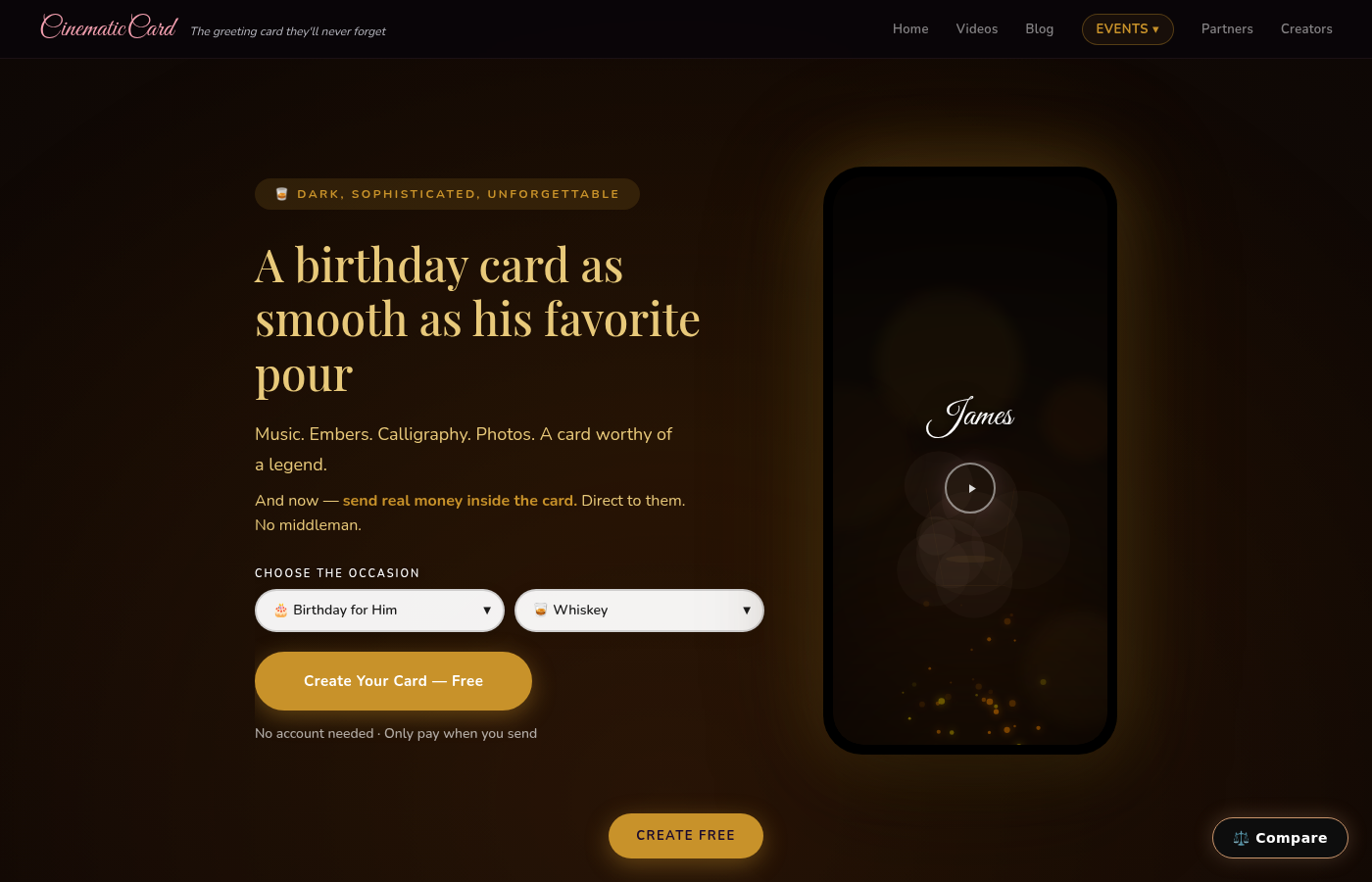
Once you have your voice recording, head to cinematiccard.com and select a birthday card theme. You'll see options for different styles -- maybe the "Birthday For Her" theme with its pink and gold celebration and bokeh circles, or "Birthday For Him" with blue fireworks and floating gold orbs that pop against a dark navy background.
The process works like this:
- Choose your theme based on who you're sending to
- Add their name (which will write in beautiful calligraphy)
- Write your card message (appears inside the card)
- Upload photos for the slideshow (Deluxe tier includes up to 20 photos)
- Upload your voice recording (this replaces the default music)
- Preview everything for free before sending
The voice upload feature is part of CinematicCard's Deluxe tier ($9.99), which also includes scheduled email delivery and expanded photo capacity. But here's the key: you can build and create your entire card for free. You only pay when you're ready to send it.
What Makes This Different from Regular Digital Cards
Most online greeting cards are basically static images with a music button. You click, a generic song plays, you read some text, you're done.
A birthday card with voice recording turns the whole experience into a short film. Your mom doesn't just read your message -- she experiences it. The animations, your voice, the photo memories, and the personal touches combine into something that feels more like a gift than a greeting card.
Take CinematicCard's "Kids Birthday" theme as an example. It starts with a 3-2-1 countdown in black, then a white flash reveals "HAPPY BIRTHDAY" in rainbow text, followed by a party explosion with confetti, balloons, and cartoon animals dancing. Now imagine that animation playing while your child hears your voice singing their favorite song or telling them how proud you are. It's not just a card -- it's a moment they'll want to watch over and over.
Is a Digital Birthday Card Tacky?
This is probably the most common concern people have. The answer depends entirely on execution.
A generic digital card with stock music and clipart? Yeah, that can feel impersonal.
But a cinematic experience with your actual voice, personal photos, and animations tailored to the recipient? That's the opposite of tacky. That's thoughtful in a way that most physical cards can't match.

The key is the personal touches. Anyone can buy a Hallmark card and sign their name. But recording your own voice, choosing meaningful photos, and writing a message that refers to shared experiences -- that takes effort and intention.
Plus, digital cards have practical advantages: they can't get lost in the mail, you can send them instantly even if you're traveling, and the recipient can save them forever on their phone.
Tips for a Great Voice Recording Birthday Card
Practice your message once or twice before recording. You don't need to memorize it word for word, but having a general flow helps you sound more natural.
Smile while you talk. This sounds weird, but people can hear the difference in your voice when you're smiling. It makes you sound warmer and happier.
Include specific details in your voice message. Instead of "I hope you have a great day," try "I hope you get to sleep in, drink that fancy coffee I sent you, and maybe finally beat Dad at Scrabble."
Don't worry about perfect audio quality. The slight imperfections that come from recording on your phone actually make it feel more personal and authentic.
Consider the timing. Your voice recording will play throughout the card experience, so aim for about 60-90 seconds. Long enough to say something meaningful, short enough that people will listen to the whole thing.
Making It Extra Special
The beauty of a personal voice message card is that you can customize everything. Upload photos from birthdays past, record yourself singing their favorite song, or leave a message that references inside jokes only you two understand.
You can even schedule the delivery for the exact moment you want them to receive it. Imagine your sister getting your voice recording birthday card at exactly midnight on her birthday, complete with fireworks animations and a slideshow of photos from your childhood.
Or create a card for mom where you record yourself telling the story behind each photo in the slideshow -- "This is from when you taught me to drive and I backed into that mailbox" or "Remember when we got caught in that rainstorm at the beach?"
The voice recording transforms what could be a simple greeting into a real emotional experience.
Ready to Send Your Voice?
Creating a birthday card with voice recording is easier than you probably expected. Record a personal message on your phone, upload it to CinematicCard along with some favorite photos, choose animations that match the recipient's personality, and send something they'll actually want to watch multiple times.
The best part? You can build and preview everything for free. Play around with different themes, upload your photos, test your voice recording, and see exactly what the final experience will look like. You only pay when you're ready to send.
Try it free at CinematicCard.com -- because some messages deserve to be heard in your own voice.