You've got someone's birthday in three hours. The store is closed, the mail would take five days, and a text message that says "happy birthday!!!" with too many exclamation points is not going to cut it. So you Google "how to send a digital greeting card" and land here.
Good news: sending a digital greeting card in 2026 takes less time than picking out a physical one ever did. And the result is genuinely better. Not "better for the price" or "better than nothing" — actually, objectively better than a folded piece of cardboard with someone else's poem inside.
Here's exactly how to do it, step by step.
[VIDEO:7FWQd8r6ASE]
Step 1: Choose Your Platform
Not all digital cards are created equal. Here's the landscape in 2026:
Traditional ecard services (like Hallmark or Paperless Post) have been around for years. They start with a design you choose from their collection, which you then personalize with your message, and on some services your photos. They can be personal, too.
Video message apps let you record yourself on camera and wrap it in a template. Personal, but many people hate being on camera. And the templates tend to look... templated.
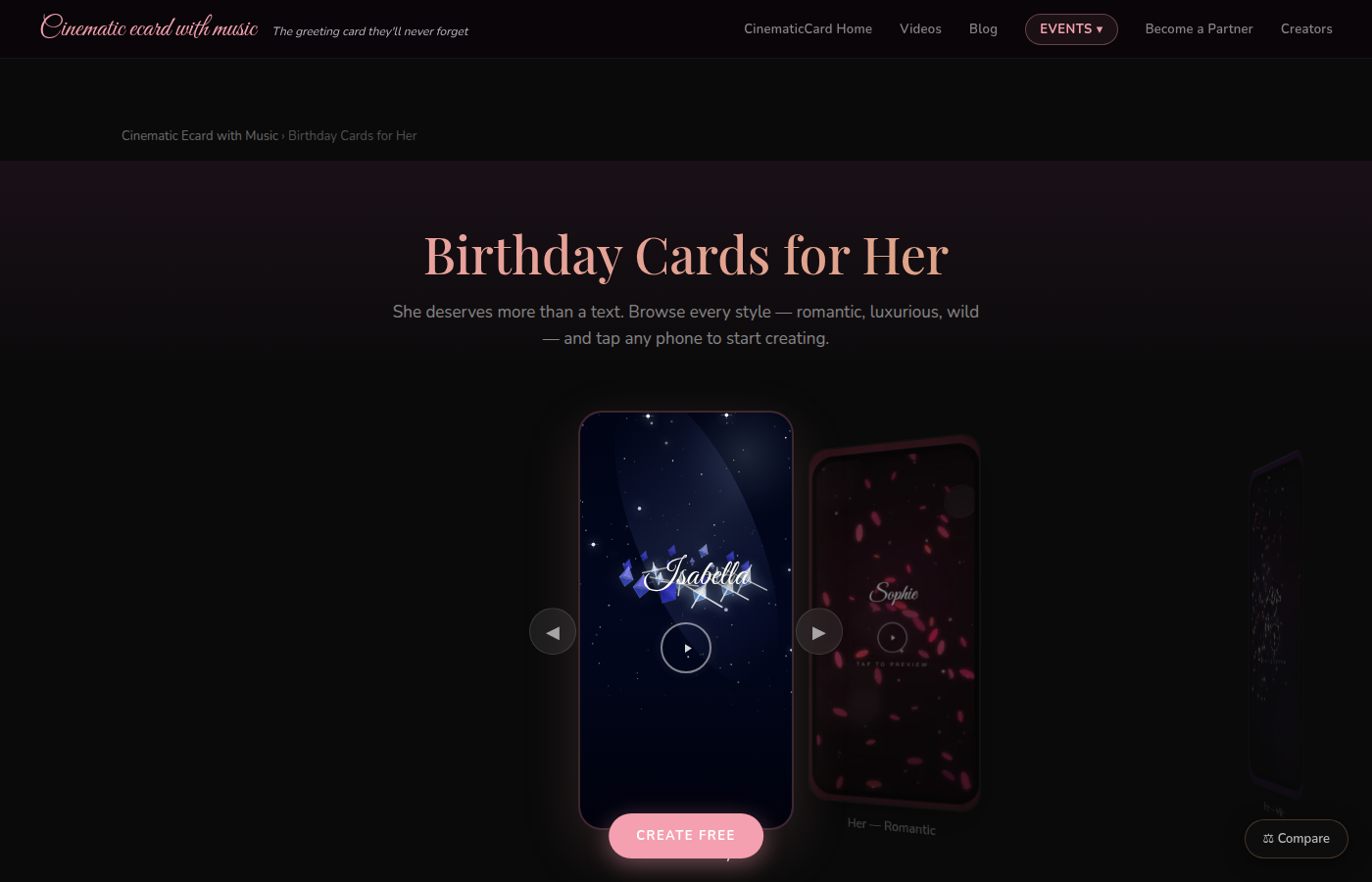
Cinematic card platforms like CinematicCard are the newest category. Instead of starting with a design, you start with your memories and send a short film. Music plays. Their name writes itself in calligraphy. Fireworks explode. Your message reveals word by word. Photos play as a cinematic slideshow. It's closer to a short movie than a greeting card.
For this guide, we'll walk through the process using CinematicCard because it covers every feature you'd want — but the general steps apply to most platforms.

Step 2: Pick Your Occasion and Theme
Every platform organizes cards by occasion: birthday, anniversary, Valentine's Day, Mother's Day, graduation, new baby, sympathy, or just "I'm thinking of you."
On CinematicCard, each occasion has multiple themes with different visual styles — golden calligraphy with fireworks, silk sheets and rose petals, confetti and champagne bubbles, elegant florals. Pick the one that matches the vibe you're going for.
Don't overthink this part. The personalization you add in the next steps is what makes it special, not the theme you choose.
Step 3: Personalize Everything
This is where digital cards blow physical cards out of the water. With a paper card, your "personalization" is a signature and maybe a sentence or two in the white space. With a modern digital card, you customize the entire experience:
- Recipient's name — appears in animated calligraphy during the opening
- Your message — as long or short as you want, revealed word by word with dramatic timing
- Photos — upload up to 20 photos that play as a cinematic slideshow with transitions and effects
- Music — choose from curated tracks or upload your own song, even a voice recording
- Cash gift — attach money via Venmo, PayPal, or CashApp that reveals in a glowing envelope at the end
Every single element is customizable. You're not picking from a menu of pre-written messages or stuck with stock photos. This is your card, your words, your memories.
Step 4: Preview Before You Pay
Here's something most people don't realize: on CinematicCard, you can build and preview your entire card for free. Watch the full experience exactly as they will see it. Tweak the message, swap photos, try different music. Only when you're completely happy do you pay, and your first card is free.
This matters because you can start a card right now — even if you're not sure about it yet — without entering any payment info. Build it, preview it, sleep on it, come back tomorrow and adjust it. Zero commitment until you're ready.
Step 5: Choose Your Delivery Method
You've got two options:
Send it now. You'll get a unique link that you can text, email, DM, or share however you want. They tap the link, and their cinematic experience starts instantly. No app to download, no account to create, no nothing. Just tap and watch.

Schedule it. Pick a specific date and time for delivery. The card gets sent automatically — perfect for when you know someone's birthday is in two weeks and you want to actually be prepared for once. CinematicCard charges an extra $1 for scheduling, which is probably the best dollar you'll ever spend on never forgetting a birthday again.
Step 6: Hit Send (Or Schedule)
Pay, and your card is on its way. That's it. Once you've chosen your photos, creating the card takes less than a minute. The hardest part is choosing the memories.
They get a link. They tap it. Their phone fills with music and their name in calligraphy and your photos and your words. Maybe they watch it again, screenshot it for their group chat, or save the link so they can rewatch it whenever they want.
What Does It Cost?
Digital greeting cards range from free sends to memberships to paid per-card options, depending on the service.
On CinematicCard specifically:
- Classic ($3.99): Music, calligraphy, fireworks, your personal message, shareable link
- Premium ($6.99): Everything above plus up to 20 photos and custom music/voice upload
- Signature ($9.99): Everything above plus a cash gift reveal via Venmo/PayPal/CashApp
Your first CinematicCard is free (the complete card, sent), previewing is always free, and there's no subscription. Scheduled delivery adds $1.
Common Questions
Do they need an app? No. It's a link. They tap it in any browser on any device.
Can they watch it again? Yes. They can keep the link and rewatch it whenever they want. Your grandma can replay her birthday card as often as she likes.
Can I send it to multiple people? Yes. You can send a card to one person, share the link with a group, or send to many people at once with bulk sending, where each person gets a card with their own name. Bulk pricing starts at $7.99 per card for smaller lists and scales down to $3.99 per card for larger lists (up to 500 per send).
What if I make a mistake? You preview the entire experience before paying, so you can catch it and fix it before you send.
The Bottom Line
Sending a digital greeting card in 2026 is fast, affordable and deeply personal. You can do it from your couch at 11 PM the night before someone's birthday and the result will feel like it was made just for them.
Start building your card for free — create the whole thing before you pay a cent.