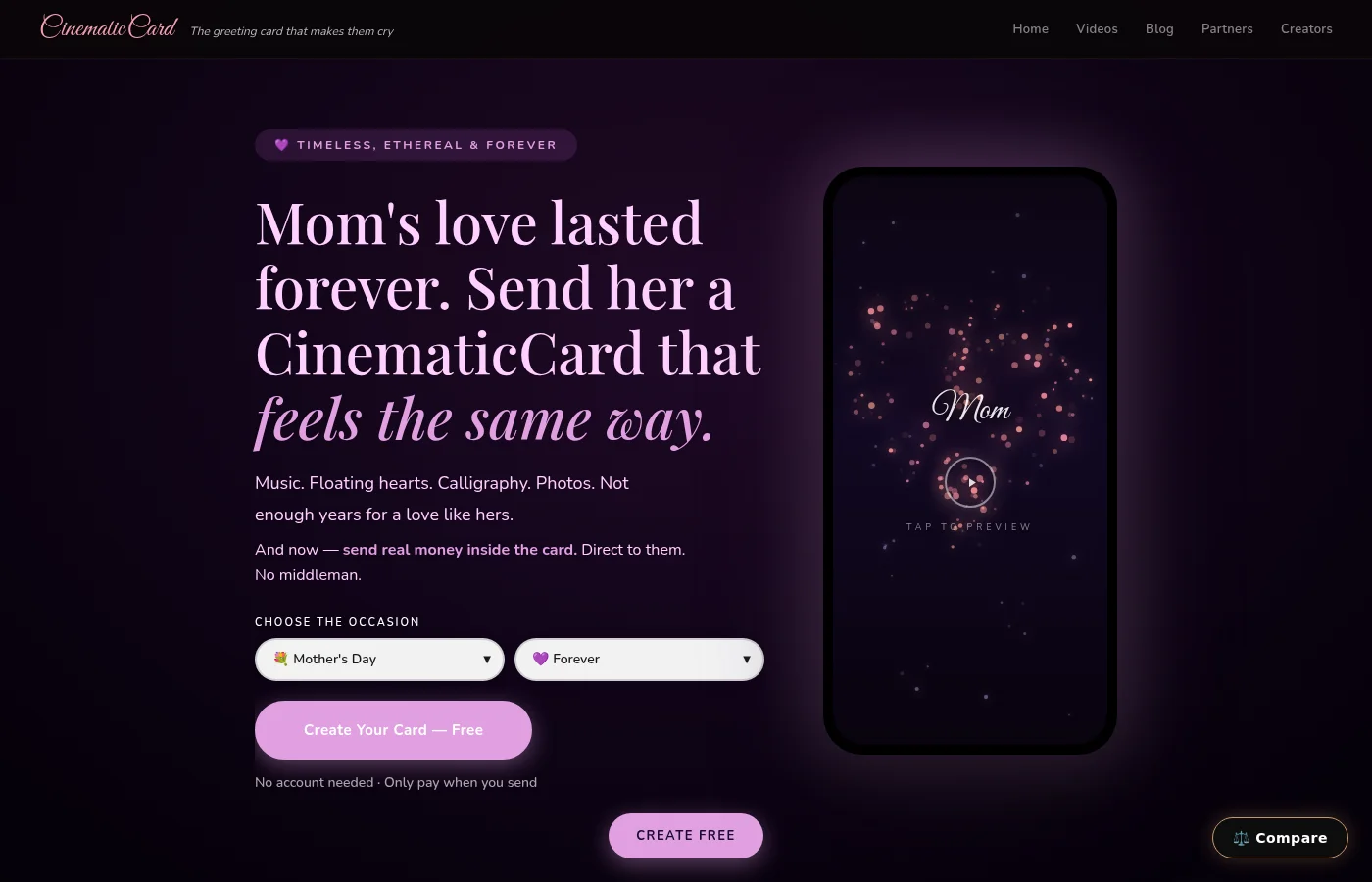
Picture this: your grandmother opens a birthday card on her phone and, instead of generic background music, she hears the song she used to play on Sunday mornings. Or your partner opens an anniversary card and “your song” — the one from your first dance — starts as your photos begin to play.
That's what uploading your own music does. This guide walks through exactly how to add your own song to a CinematicCard, what file to use, what it costs, and how to choose a song that brings the right memory back.
Why Custom Music Changes Everything
Most digital greeting cards come with music someone else picked. It fills the silence, but it doesn't point back to anything you share.
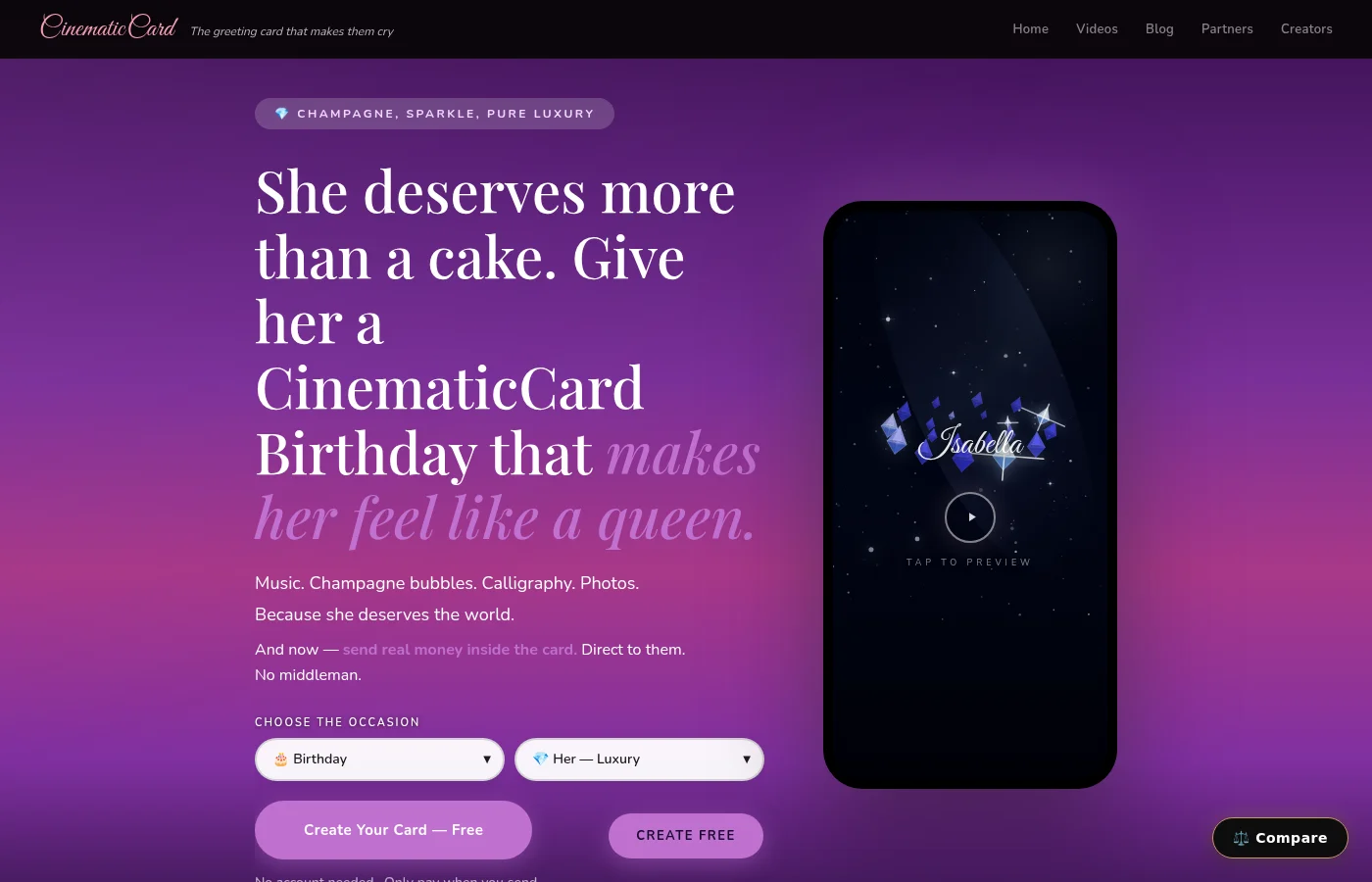
The right song is different, because music is tightly bound to memory. In a study by researchers at UC Davis published in Memory, about 30% of popular-song excerpts evoked an autobiographical memory in listeners, and most songs stirred emotions that were primarily positive and often strongly felt. A later University of Iowa study found that memories evoked by music were more vivid than memories evoked by famous faces.
So when the card plays the song from your road trip while the photos from that trip appear, you aren't just decorating a card. You're helping them relive the moment.
How to Upload Custom Music to Your Digital Card: Step-by-Step
Once you've chosen your photos and your song, the whole process takes less than a minute, and you can preview everything before you pay anything. (Your first CinematicCard is free.)
Step 1: Choose Your Occasion and Theme
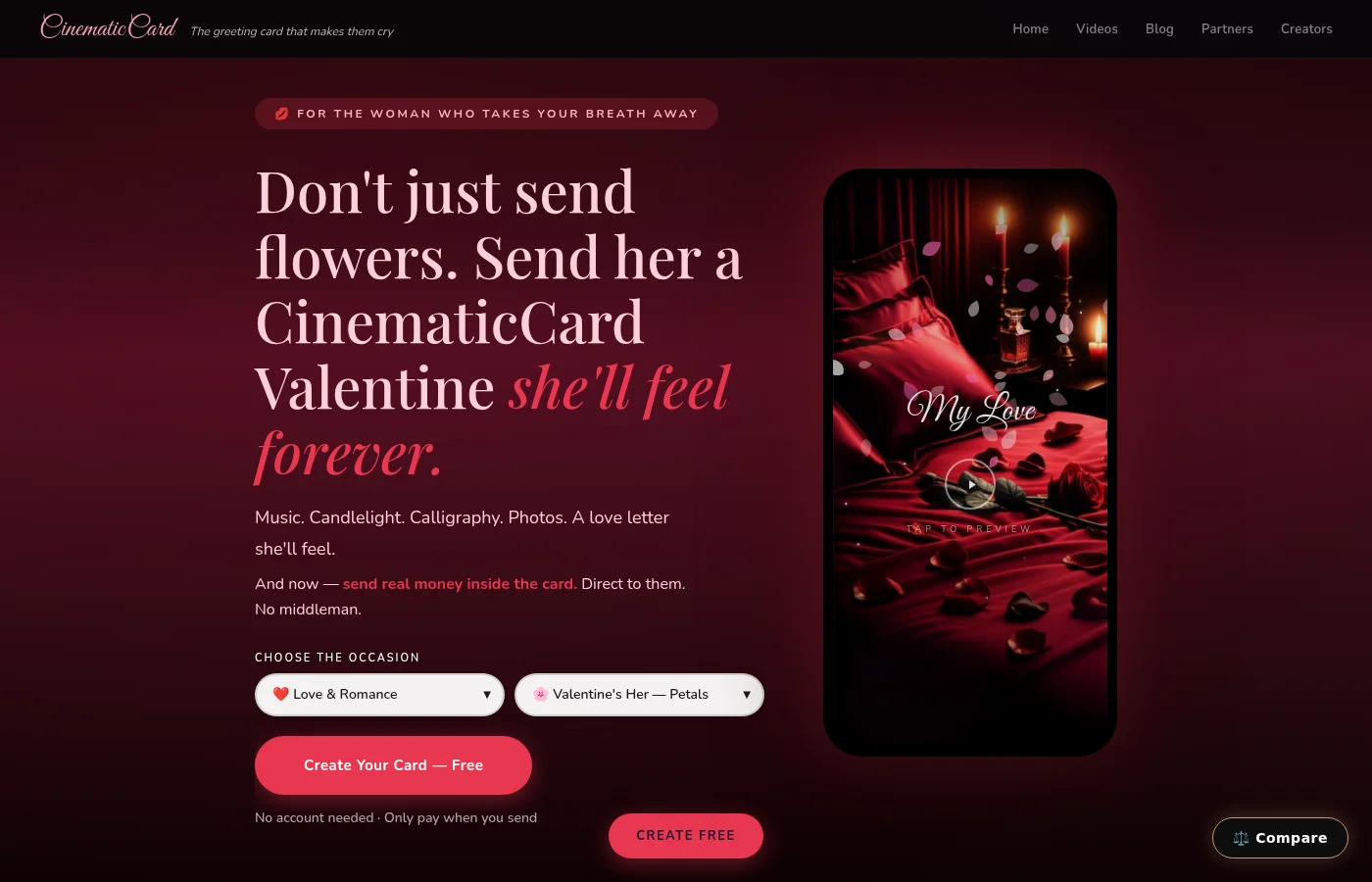
Go to cinematiccard.com and pick the occasion — birthday, anniversary, Mother's Day, graduation and more. The theme sets the look and the effects; your song and your photos set the meaning.

Step 2: Add Your Photos and Message
Before you touch the music, open the photos on your phone and find the ones that bring your memories back. In the Photos section, tap Add Photos and choose up to 20 (JPEG, PNG, HEIC or WebP). They'll play as a cinematic slideshow. Then add their name and write your message.
Choosing photos first makes choosing the song easier: once you see the memories side by side, the song that belongs with them is usually obvious.
Step 3: Upload Your Audio File
Find the Background Music section. You'll see a list of built-in soundtracks recommended for your theme — if one fits, you're done. To use your own song instead:
- Turn on the Upload your own toggle.
- Tap Choose audio file.
- Select a WAV, MP3 or MP4 file from your device (an MP4 is used for its audio only). The file must be under 20 MB.
- The file name appears once it's added. To swap it, tap the × next to the name and choose another file.
A Classic card is $3.99. Uploading your own song makes it a Premium card ($6.99, photos plus your own audio), and the Signature card — which adds an optional cash gift — is $9.99 with your song included. Your first card is free.
Step 4: Preview Your Creation
Hit preview and watch the card the way they will: your song plays, their name writes itself in animated calligraphy, the effects for the occasion appear, your photos play one after another, and your message closes the card. Previewing is always free, so try a couple of songs if you're torn.
Step 5: Send When Ready
When it feels right, finalize the card. You'll get a link you can share by text, any messaging app or social media, and you can also have it emailed to them — right away or on a date you choose. They open it in any browser; no app and no account needed.
What Makes CinematicCard's Audio Upload Different?
Your song isn't background noise under a static image. It carries a sequence of your own memories: the photos you chose, in the order you chose them, with their name and your words.
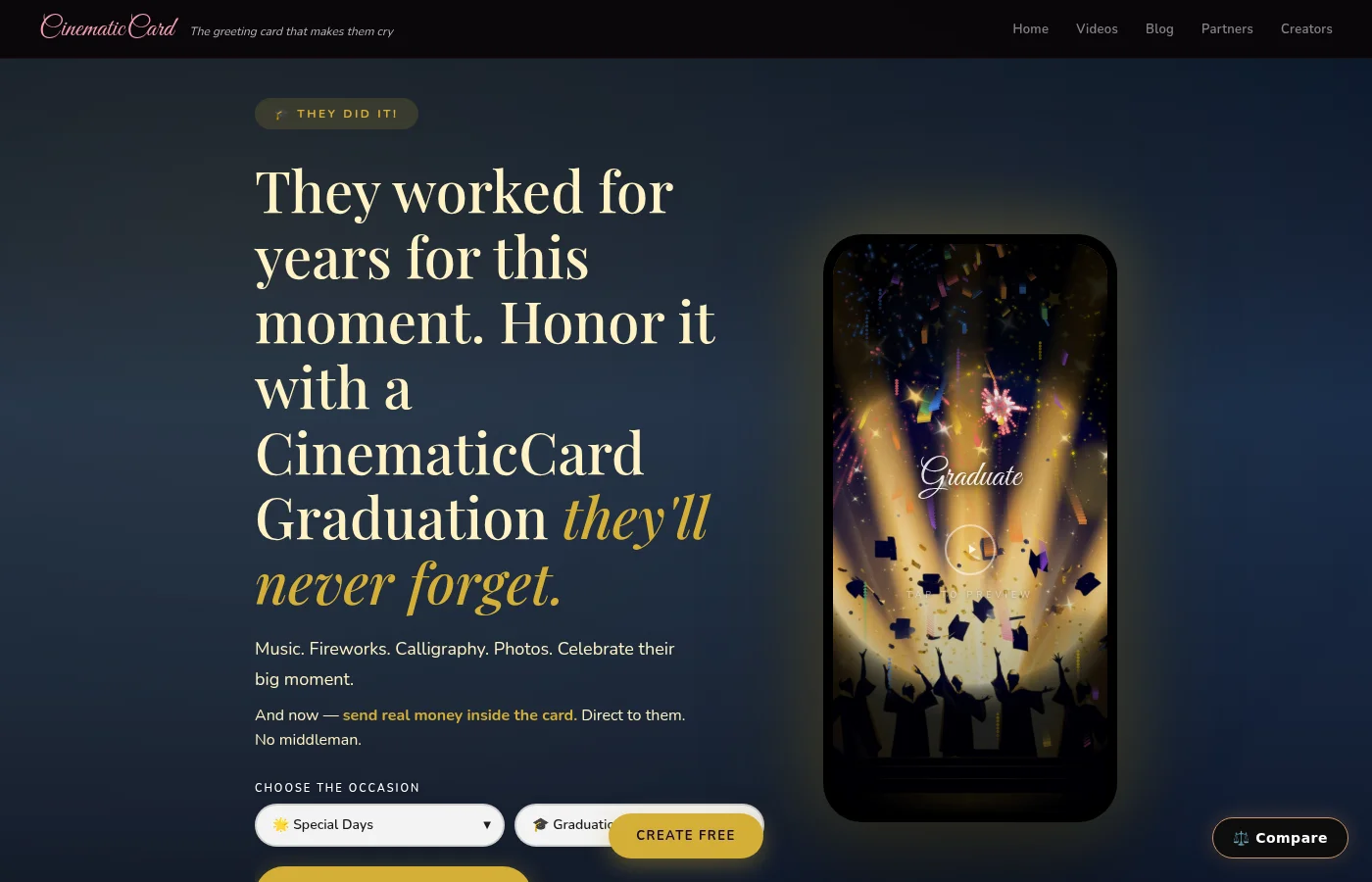
Most cards start with words. CinematicCard starts with your memories — and the song you upload is often the fastest way back to them.
Can You Add a Voice Recording Instead of a Song?
Yes, two ways. You can record a voice message right inside CinematicCard — the Record option in the Background Music card captures up to two minutes in your browser and plays it back before you send. Or use Upload, which accepts a WAV, MP3 or MP4 file, so you can record on your phone (even the basic voice memo app works perfectly), save it, and upload it the same way you would a song. Either way it becomes the card's sound. You still can't upload video.
Want both? Use any audio editing app to combine your voice message with your chosen song -- voice first, music second -- and upload the combined file. Your written words still go in the personal message, which appears on screen as part of the card.

What Audio Formats Work Best?
Upload a WAV, MP3 or MP4 file under 20 MB. A few practical tips:
- A typical song saved as an MP3 is usually well under 20 MB, so most song files fit comfortably.
- If your song is in another format, convert it to WAV, MP3 or MP4 first.
- Songs saved inside streaming apps usually can't be exported as files. Use an MP3 that's actually stored on your phone or computer.
- Listen to the file on your device before uploading — if it sounds right there, it will sound right in the preview.
Most audio from modern phones, music apps, or basic recording software works perfectly without any technical adjustments.
Is Custom Audio Upload Worth the Premium Price?
That depends on the song. If a built-in soundtrack sets the right mood, you don't need to pay for an upload. If there's a specific song tied to your story — the wedding song, the lullaby, the album that played on every family road trip — $3.00 is a small price for the part of the card most likely to bring the memory back.
A good rule: if you can name the song and the memory in the same breath, upload it.
How Long Should Your Custom Audio Be?
Any song under the 20 MB limit will upload. What matters more is how the song begins, because the opening is what they'll hear as the card starts. Choose a song whose first moments already feel like the memory.
If the song you love has a long, quiet introduction, consider trimming it into an MP3 that starts closer to the part that matters before you upload.
What Happens After You Upload?
You can preview the complete card right away. If the song doesn't feel right, remove it and upload a different one, or switch back to a built-in soundtrack — as many times as you like, before you pay anything.
Once you've picked your photos and your song, putting the rest together typically takes under a minute — and the finished card still feels deeply personal to the people you send it to.
Ready to Create Your Custom Audio Card?
Start with your phone: find the photos that bring the memory back, then find the song that goes with them. When you're ready, turn those memories into a card — your first CinematicCard is free. Want a visual walkthrough first? See how it works, or read what makes a great photo slideshow card with music.